Creating a cozy and functional home workspace can make a significant difference in your daily productivity and overall comfort. Whether you work remotely full-time or occasionally need a quiet spot for tasks and projects, designing a space that feels welcoming and efficient is key. In this post, we’ll explore practical tips to help you build a home workspace that meets your needs while promoting focus and well-being.
Understand Your Workspace Needs
Before you start setting up, consider what you’ll be using your workspace for. Will you be on video calls often? Do you need lots of desk space for papers, or is your work mostly digital? Understanding your daily tasks will help you prioritize what your space requires.
Assess Your Equipment and Supplies
Make a list of the devices, tools, and supplies you regularly use. This might include:
– Computer or laptop
– Monitor(s)
– Printer or scanner
– Notebooks and pens
– Reference books or binders
– Charging stations
Knowing exactly what you need nearby prevents clutter and keeps your workflow smooth.
Choose the Right Spot
Choosing the right location in your home is vital for comfort and focus. Ideally, select a quiet area with minimal distractions.
Consider Natural Light
Natural light improves mood and reduces eye strain. Position your desk near a window if possible, but avoid direct glare on your screen. Use curtains or blinds to control brightness throughout the day.
Ensure Good Ventilation
Fresh air helps keep you alert. If windows aren’t an option, consider a small fan or air purifier to improve air circulation.
Invest in Ergonomic Furniture
Comfort is essential during long work hours. Ergonomic furniture supports good posture, preventing discomfort and potential injuries.
Select a Supportive Chair
A chair with adjustable height, backrest, and armrests encourages proper alignment. Test chairs before buying if you can, or choose one with good reviews for long-term comfort.
Pick a Functional Desk
Your desk should be large enough to hold all necessary equipment without feeling cramped. Standing desks or adjustable-height desks can offer flexibility for sitting or standing.
Optimize Organization and Storage
Clutter can distract and reduce efficiency. Establishing a smart organization system keeps your workspace tidy and functional.
Use Drawers and Shelves
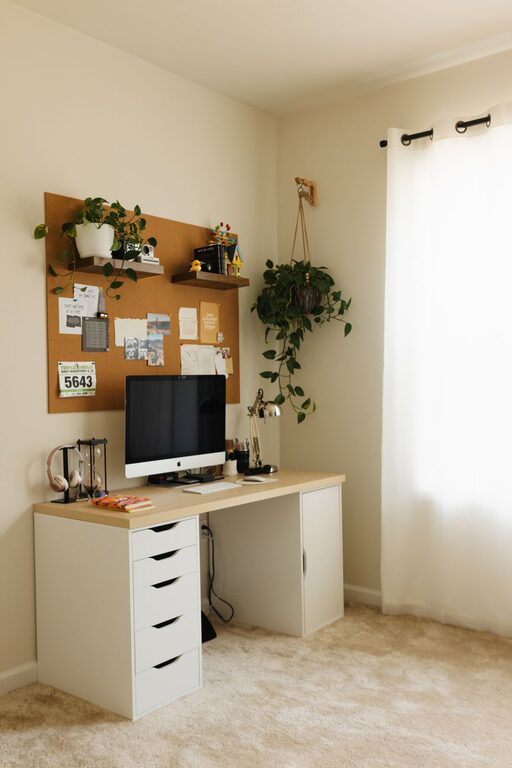
Keep supplies, files, and reference materials within easy reach but out of sight to maintain a clean look. Vertical shelves can save floor space.
Implement Cable Management
Cables can quickly become tangled and messy. Use clips, sleeves, or under-desk trays to keep cords organized and out of the way.
Personalize Your Space
Adding personal touches can create a cozy atmosphere that makes working more enjoyable.
Choose Soothing Colors
Soft, neutral colors or your favorite shades can enhance mood and reduce stress. Avoid overly bright or distracting hues.
Add Plants
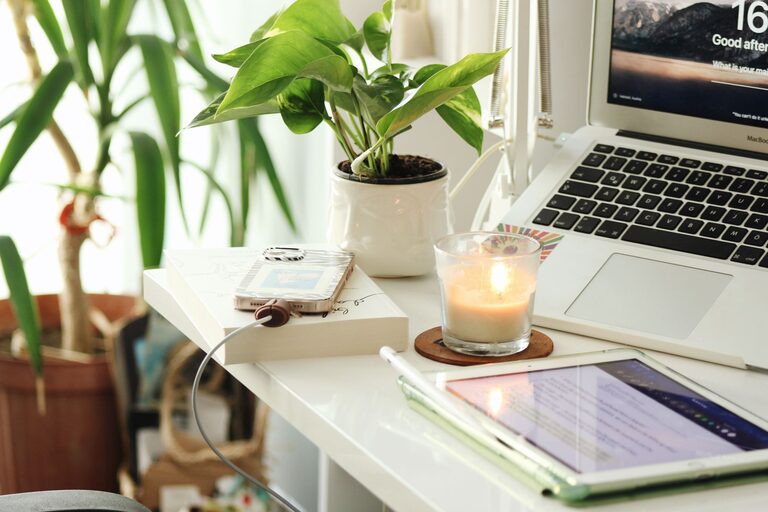
Indoor plants improve air quality and add a touch of nature. Low-maintenance plants like succulents or snake plants are ideal for workspaces.
Display Inspiring Items
Photos, artwork, or motivational quotes can personalize your space and boost inspiration.
Manage Lighting Effectively
Good lighting reduces eye strain and improves focus.
Combine Ambient and Task Lighting
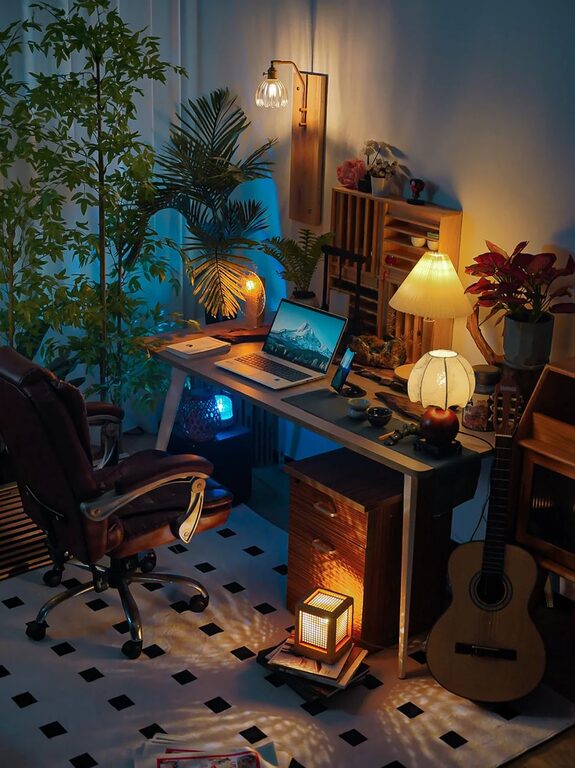
Use a blend of overhead lights and focused desk lamps. Adjustable lamps help direct light exactly where you need it.
Use Warm Light Bulbs
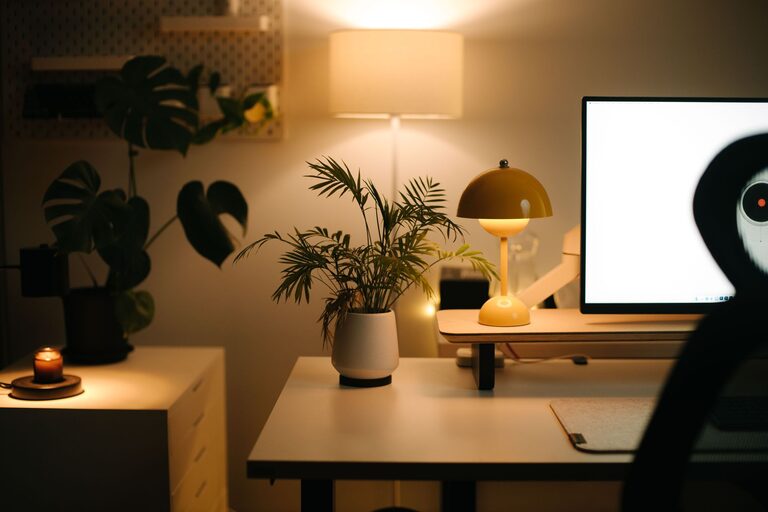
Warm white bulbs create a cozy ambiance while keeping the environment bright enough for work.
Minimize Distractions
Creating boundaries helps maintain focus during work hours.
Set Clear Work Hours
Communicate your schedule to family or housemates to reduce interruptions.
Use Noise Control Tools
Noise-canceling headphones or white noise machines can help block distracting sounds, especially if your workspace isn’t in a separate room.
Keep Your Workspace Clean and Fresh
Regular cleaning keeps your workspace inviting and hygienic.
– Wipe surfaces weekly
– Organize paperwork regularly
– Dust electronics and shelves
– Refresh air or open windows when possible
Incorporate Technology with Purpose
Make sure your technology supports productivity without overwhelming your space.
– Use wireless devices to reduce cable clutter
– Organize your digital tools with apps and software for task management
– Keep chargers and accessories neatly stored
—
By thoughtfully planning and decorating your home workspace, you create an environment that supports both comfort and productivity. The right combination of ergonomic furniture, good lighting, organization, and personal touches will make your workday more enjoyable and efficient. Remember, your workspace should fit your unique needs—feel free to adjust these tips to craft the perfect spot for you!
About the Author